
Backing Tracks for B-flat and E-flat Instruments
Keep the printed part in front of you. Work out which concert key it sounds in, then compare that with the backing track. If they already match, leave the audio alone.
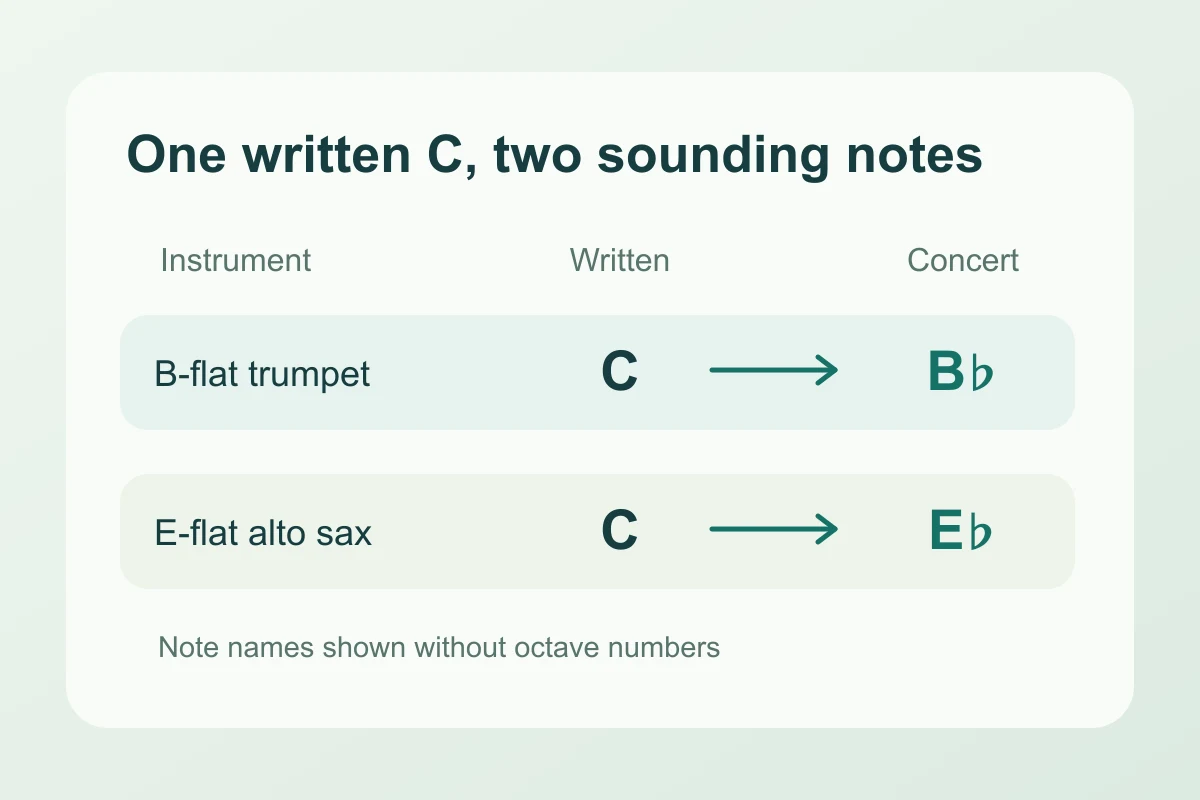
Compare the sound, not the two printed key names
Written pitch is what you read and finger. Concert pitch is what a piano would play to make the same sound. A score marked “B-flat trumpet” does not mean every tune in it sounds in B-flat. It means that instrument’s written C sounds as B-flat.
| Instrument | Concert note | Below written C4 |
|---|---|---|
| B-flat trumpet or B-flat clarinet | B♭3 | Major second |
| B-flat tenor sax | B♭2 | Major ninth |
| E-flat alto sax | E♭3 | Major sixth |
| E-flat baritone sax, treble-clef part | E♭2 | Major thirteenth |
The extra octave matters when you check a single melody note in unison. It does not require lowering an entire accompaniment another octave. For a key match, compare the sounding tonic and whether the tune is major or minor.
A B-flat part that needs no change
Your B-flat trumpet part is written in D major. It sounds in C major. If the piano backing track is in concert C major, leave Pitch at 0. Lowering it two semitones just because the trumpet is in B-flat would put it in B-flat major and create the mismatch.
If that same track were in concert D major, moving the audio down two semitones would take it to concert C major. Your printed notes and fingerings stay the same.
An E-flat part that needs a higher backing track
An alto sax part written in C major sounds in E-flat major. Suppose the available backing track is in concert D major: set Pitch to +1, from D to E-flat. A −9 shift is the written-to-sounding interval for an alto note; it is not the distance between these two backing-track keys.
For a backing track in concert C major, both +3 and −9 reach the pitch class E-flat. The second version puts the whole band an octave below the first. Try the smaller move first so the bass and piano stay closer to their original register. A major-to-minor mismatch needs another arrangement, not just a different shift.
Check the track against the part
If the recording’s key is not marked, Find key & BPM provides an estimate. Compare a clearly resolved chord with your part before trusting it. Enter the shift in Pitch, leave Tempo at 100%, and set Preview start near an entrance you can recognize. Play along with the preview. An accompaniment can fit harmonically even when it does not double your melody at the same octave.
Choose a download format and Create full track when the sound matches. The pitch changer edits the recording; it does not transpose the printed chart or make a new PDF.