Is this an automatic 432 Hz converter?
You can manually apply the approximate shift for a known source reference. There is no automatic reference-frequency detector or dedicated Hz input.
 About Us
SMALL SHIFTS, CLOSER TUNING
When the notes seem right but a recording will not sit in tune with your instrument, a fraction of a semitone may be the adjustment you need.
Use a file up to 5 minutes and 100 MB. You supply the tuning correction; Pitch Tempo estimates song key and BPM, but does not detect an A=440 or A=432 reference.
Try a precise pitch change for free
The audio tool opens on the Pitch Tempo home page.
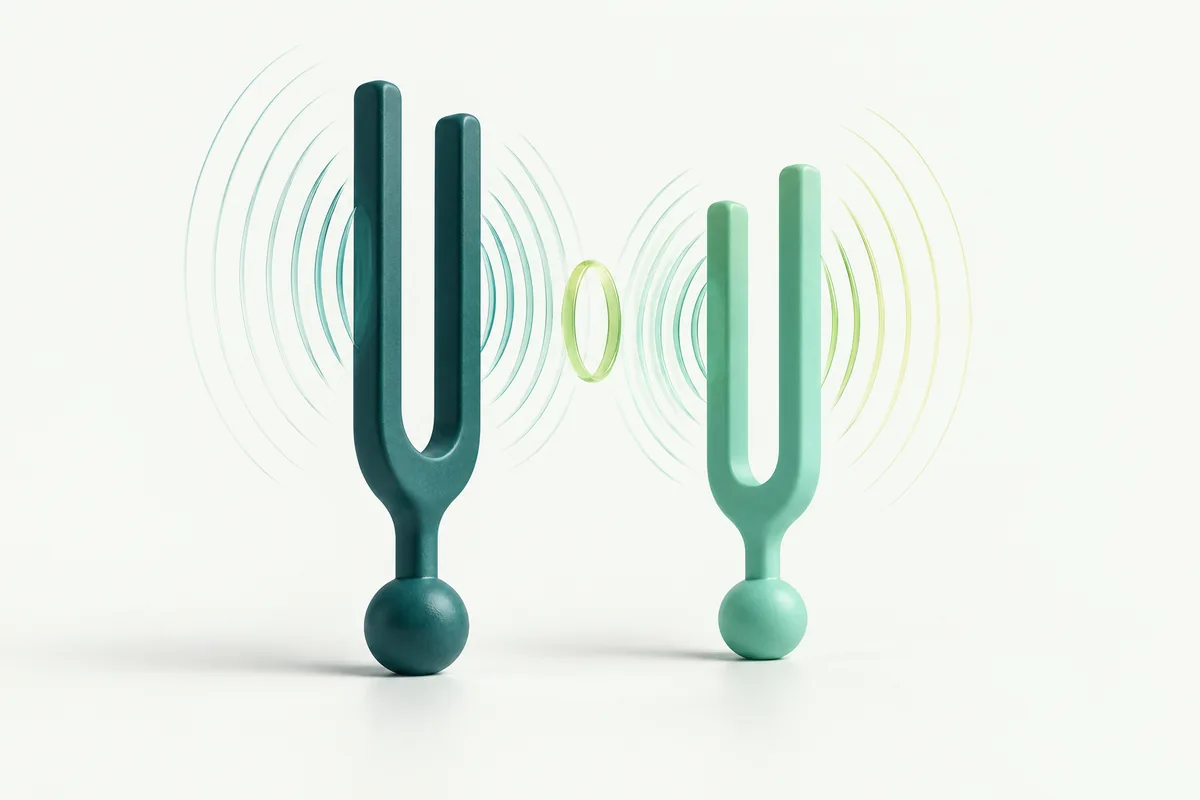
Find the difference between the recording’s tuning and your target, convert that difference to semitones, and enter a fractional pitch shift with tempo left at 100%. A small correction moves every frequency in the recording by the same ratio. It can bring a consistently sharp or flat recording closer to a known reference.
You need a reliable starting reference or a correction measured by ear or with a suitable tuner. Pitch Tempo’s song key estimate, such as A minor, does not tell you whether the recording uses A=440 Hz, A=432 Hz or another reference.
A reference such as A4=440 Hz describes the frequency assigned to a particular note. A song’s key describes its tonal centre and musical relationships. A recording in C major can use a 440 Hz reference, a 432 Hz reference or a slightly different one.
Retuning from A=440 to A=432 is a small downward shift, not a whole semitone transposition. It also does not make every sound in the file 432 Hz: bass notes, overtones and the rest of the arrangement retain their frequency relationships.
The sample rate is another separate measurement. A file labelled 44,100 Hz describes how often digital audio samples are stored, not its concert tuning. Changing the filename or choosing a WAV export does not set a musical reference pitch.
One semitone contains 100 cents. A correction of +25 cents is therefore +0.25 semitones; −18 cents is −0.18 semitones. Use the numeric pitch field for these small adjustments. The slider moves in whole semitones, while the numeric field accepts increments of 0.01 semitone.
When the original and target reference frequencies are known, calculate semitones = 12 × log₂(target frequency ÷ source frequency). A positive result raises the recording; a negative result lowers it. Keep the two frequencies in the same unit and compare the same reference note.
| Source → target | Calculated cents | Pitch field | Tempo |
|---|---|---|---|
| 440 → 432 Hz | −31.77 | −0.32 | 100% |
| 432 → 440 Hz | +31.77 | +0.32 | 100% |
| 442 → 440 Hz | −7.85 | −0.08 | 100% |
| 440 → 442 Hz | +7.85 | +0.08 | 100% |
The pitch-field values are rounded to the supported one-cent steps, so these are close approximations rather than exact frequency guarantees. The 440-to-432 example only applies when the source really uses 440 Hz. Applying it to an already retuned recording would shift that recording again.
Compare several stable notes against your instrument or an independent pitch reference. If the whole recording is about 18 cents sharp relative to your target, a −0.18-semitone adjustment is a reasonable value to test.
If one instrument is sharp while another is in tune, a whole-file shift will move both. If pitch wanders during the recording, a fixed correction will not flatten the drift. A bent guitar note, vibrato or a singer’s expressive phrase is also a poor reference for measuring the tuning of the entire mix.
For a play-along recording, judge the result with the instrument you actually intend to use. A detector’s unchanged key label is not evidence that the fine adjustment failed; a few cents can be audible in combination with an instrument without changing the musical key name.
Go to the Pitch Tempo audio workspace, upload your file and choose Change pitch / tempo. Key detection is optional and does not measure tuning frequency.
Type the signed semitone value into the pitch number field. Keep tempo at 100% and choose Listen preview. Adjust the number and request a fresh preview if needed.
The preview uses the first 20 seconds of source audio. If your useful reference occurs later, export the full file and check that passage in the finished recording.
Complete export ends editing in that chat, so compare suitable opening previews first. Another full version requires a new upload. The service facts describe file limits and the rest of the workflow.
You can manually apply the approximate shift for a known source reference. There is no automatic reference-frequency detector or dedicated Hz input.
No. The change applies uniformly to the entire file. Correcting separate notes or instruments requires a different kind of editor.
This guide treats reference tuning as a musical choice. Pitch Tempo makes no health or therapeutic claims for a particular tuning frequency.
Enter a fractional semitone shift on the home page and keep tempo at 100%. Compare the result with your instrument or known reference before exporting.